Sep 11, 2026
Coordinators
Managing a class's teachers used to be all or nothing: you did it, or nobody did. Now you can promote a co-teacher you trust into a second admin seat, so they can run the teaching side of the class without holding the class itself. Alongside it, a smaller change: how long is too long before Monitor flags a group is now your call, not a fixed number.
A Second Admin Seat, Not a Second Owner
Promote anyone already teaching in your class from the Roster tab. A Coordinator can invite and remove other teachers, decide which groups each one covers, edit the board preset, and share the class join link, the same as you can. They can't archive or delete the class, rename it, or touch your role or another Coordinator's.
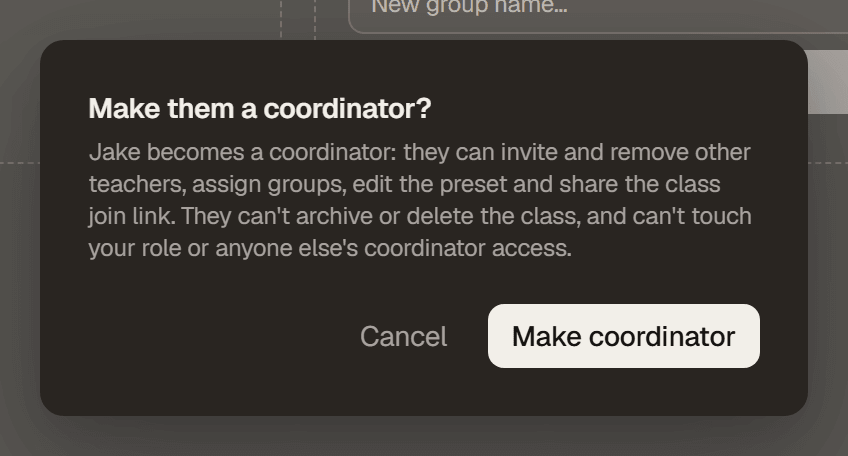
They show up in the Roster tab with their own label, so it's always clear who holds this the moment you look.
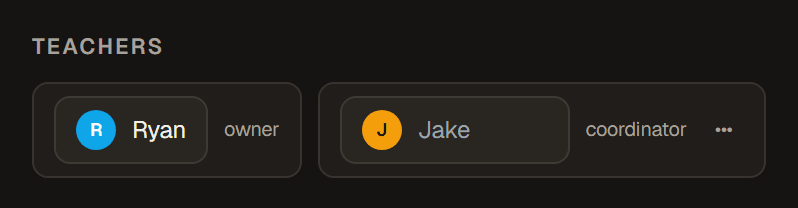
Free on every account, the same as inviting and promoting a co-teacher already was. Handing a Coordinator back to an ordinary teacher is one click too, and only you can promote or remove someone at this level.
Choose Your Own Definition of Stuck
Monitor flags a card “Waiting” when it has sat too long, and a whole group the same way when its board goes quiet. How long counts as too long is now yours to set, from Class → Settings.
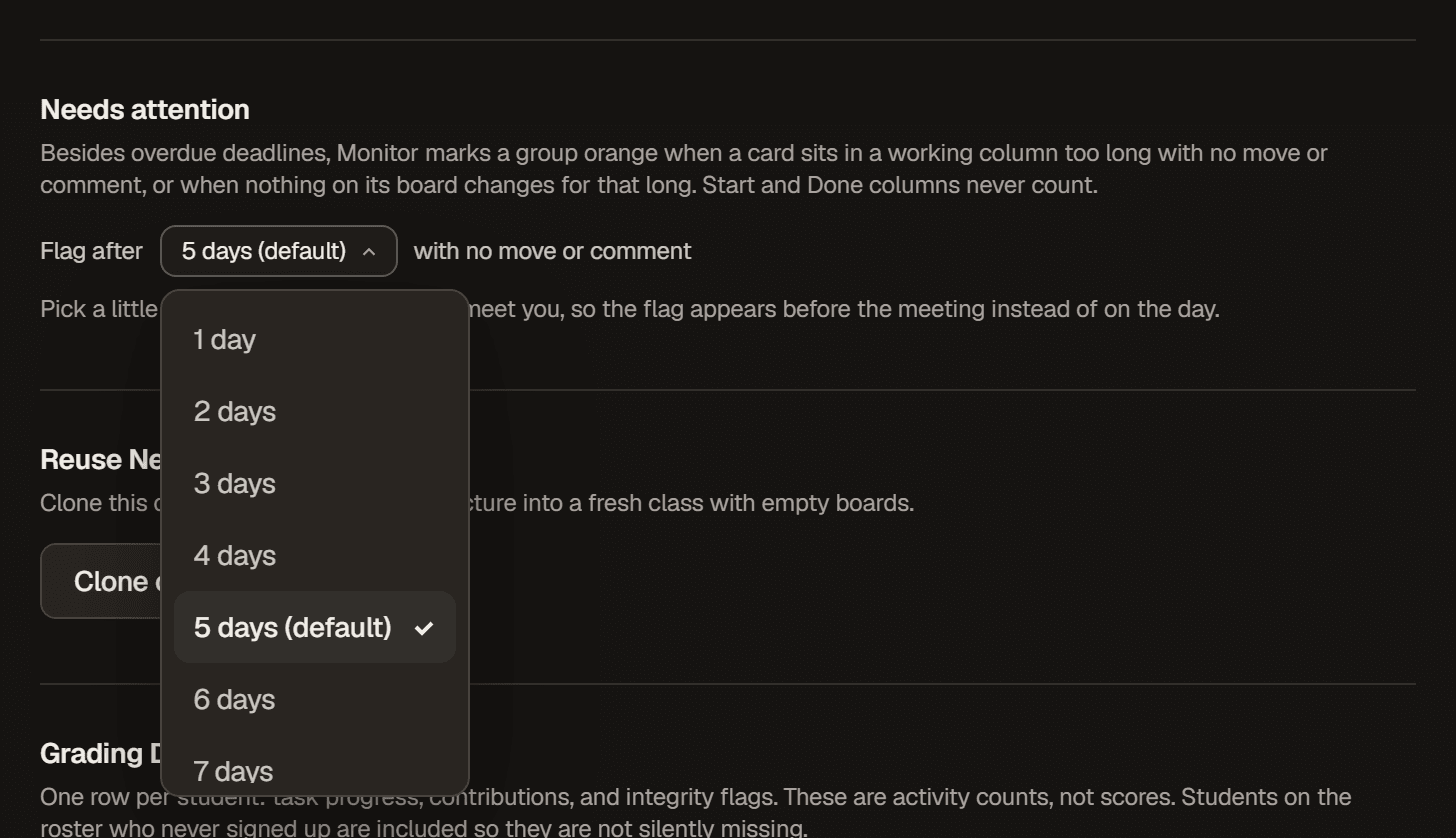
Pick something a little short of how often your groups meet you, so the flag lands before the meeting instead of on the day of it. One number drives the card badge in Monitor, the group flag, and board Analytics, so they can never disagree with each other. Only the class owner or a Coordinator can change it, and it carries over automatically when you clone the class into next semester.