Sep 3, 2026
Archived Tasks
Not every finished task belongs in the trash. A card that's done, or abandoned but worth keeping, can now be archived instead of deleted, and found again anytime with everything about it still there.
File It Away Without Losing It
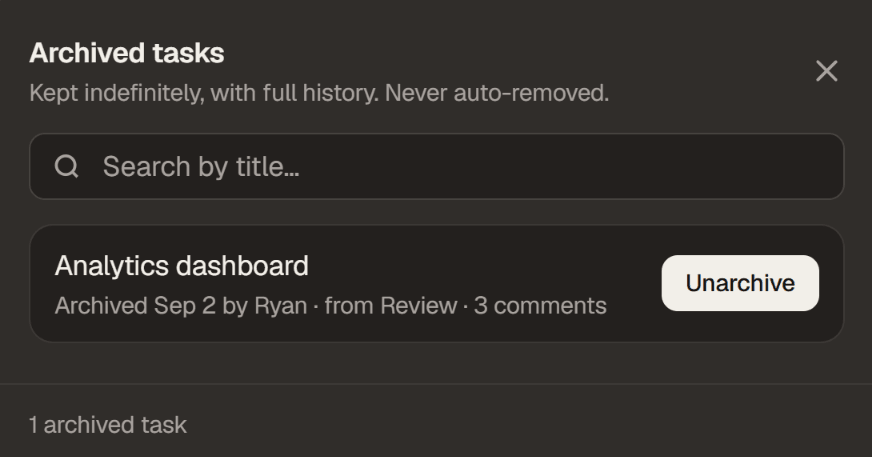
Every task now has an Archive action next to Delete. Archiving pulls it off the board and into the board's Archived Tasks list, kept there indefinitely with a search by title. Unlike the 30-day trash, nothing here ever gets purged.
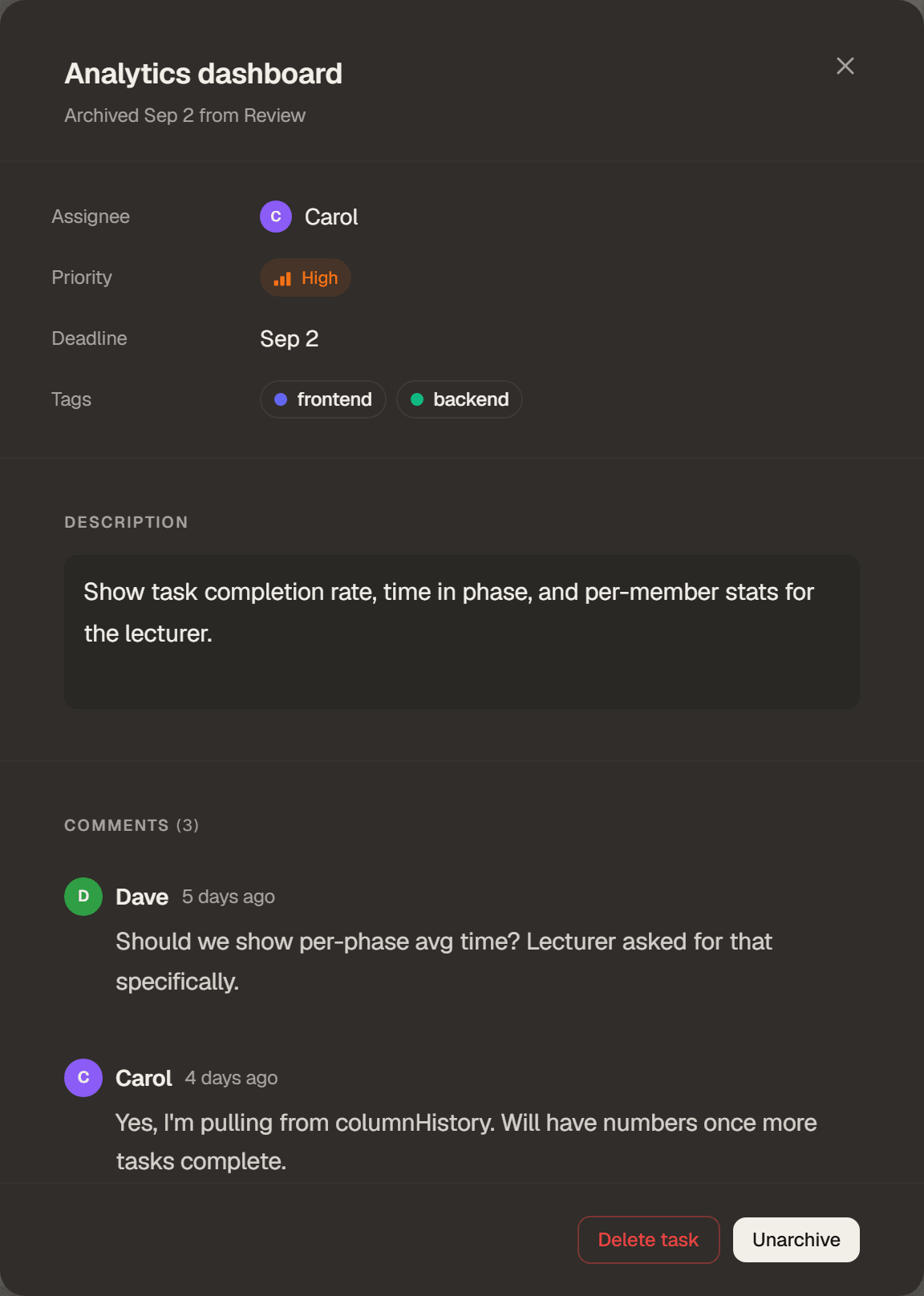
Opening one shows it exactly as it was left: assignee, priority, deadline and tags, the full description, and every comment, including ones that were later deleted, which still show as a tombstone rather than quietly disappearing. Unarchive puts it straight back on the board where it can be edited again.
On a class board, archiving is a teacher action, since it takes a task out of Monitor, Participation, Integrity, Analytics and the grading export. A student clearing their own board still has Delete, which stays recoverable and visible to the class's educators in trash.