Changelog
What's New in Kanbedu.
Every notable Kanbedu release, newest first. Small fixes and internal changes ship quietly, so not every update gets an entry.
Oct 26, 2026
Classes, Redesigned
The class screens, rebuilt around your groups with lecturers testing every round: an Overview of every group, a page of its own for each group, People, Reports and Settings. Plus deadline reminders for everyone.
Read the release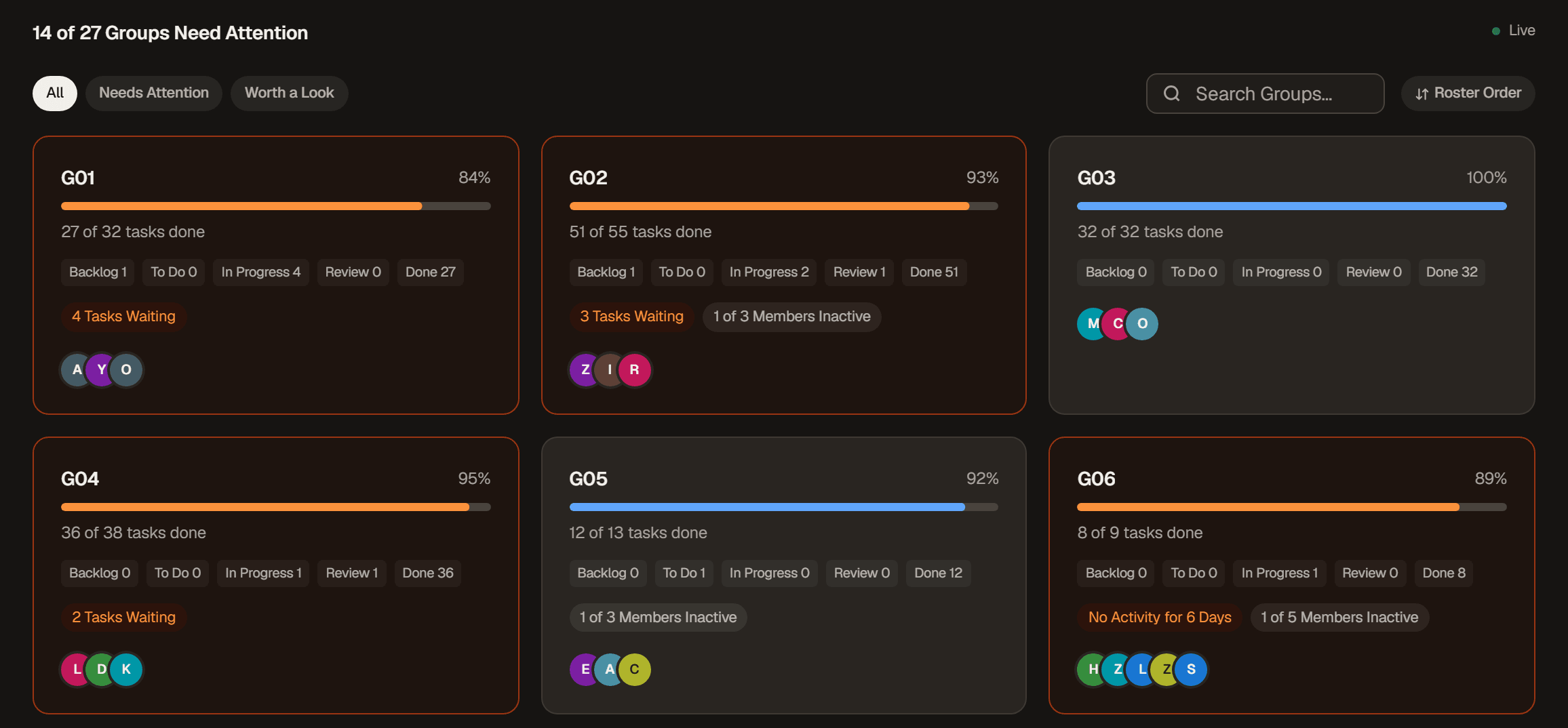
Oct 7, 2026
A Clearer Kanbedu
The biggest update in Kanbedu's history: a rebuilt task panel that shows what changed, links that open with a click, clearer column headers, one Filters menu, Board Settings in one place, optional keyboard shortcuts and a rebuilt public site.
Read the release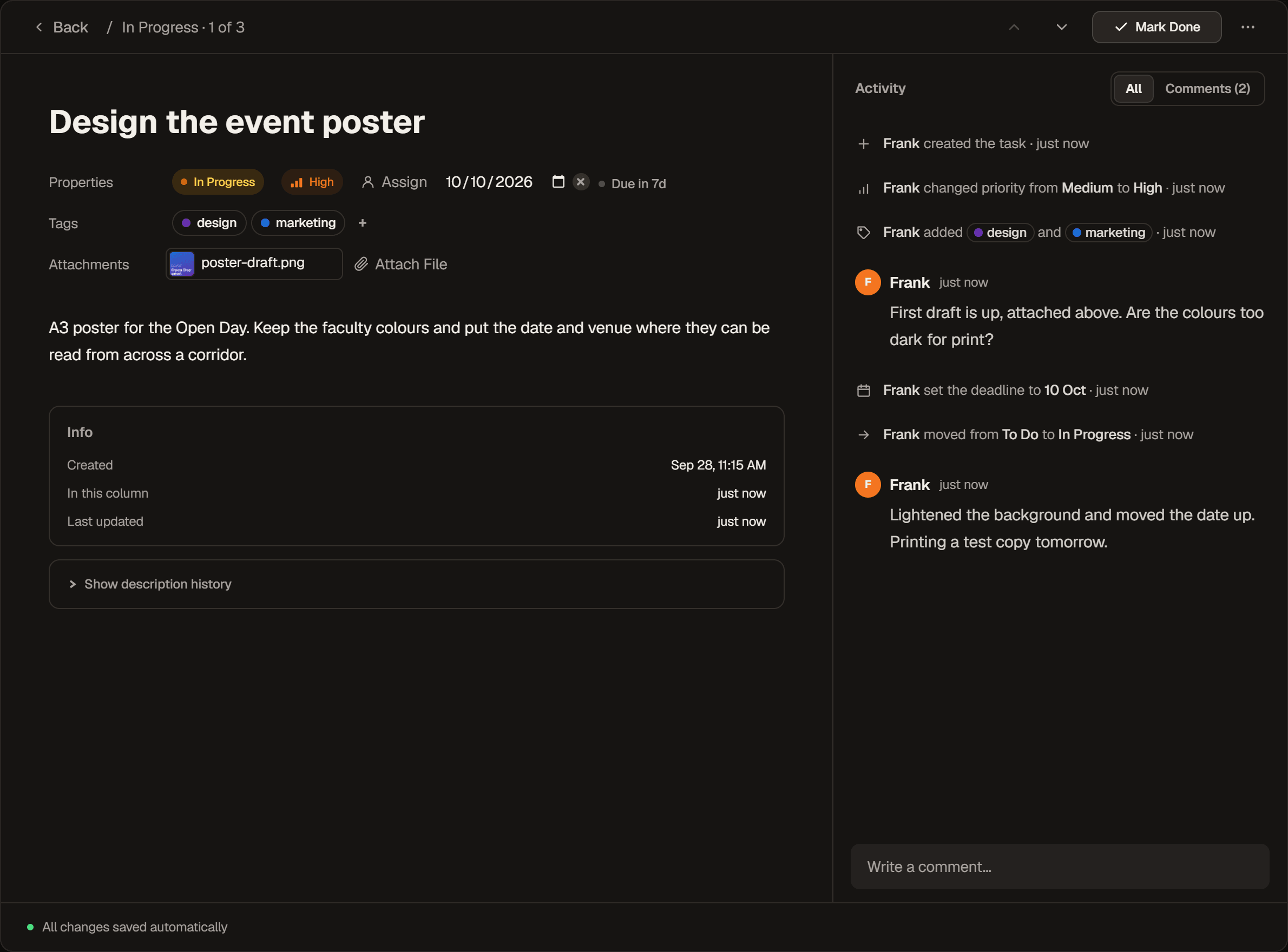
Sep 16, 2026
New Themes
A true black theme called Midnight, alongside Light and Cocoa. Pick one from the new Theme setting in Appearance, which replaces the old light mode switch.
Read the release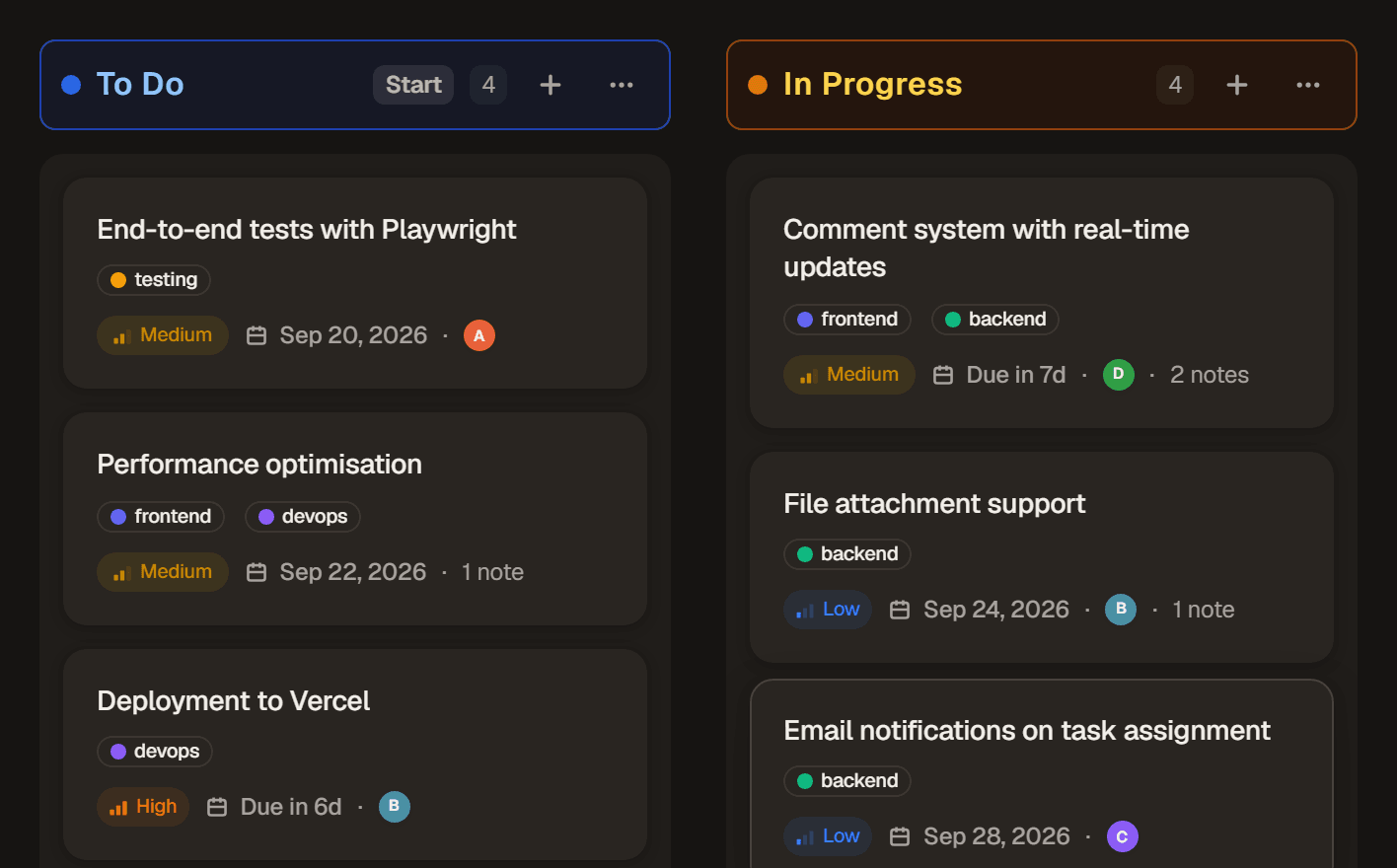
Cocoa 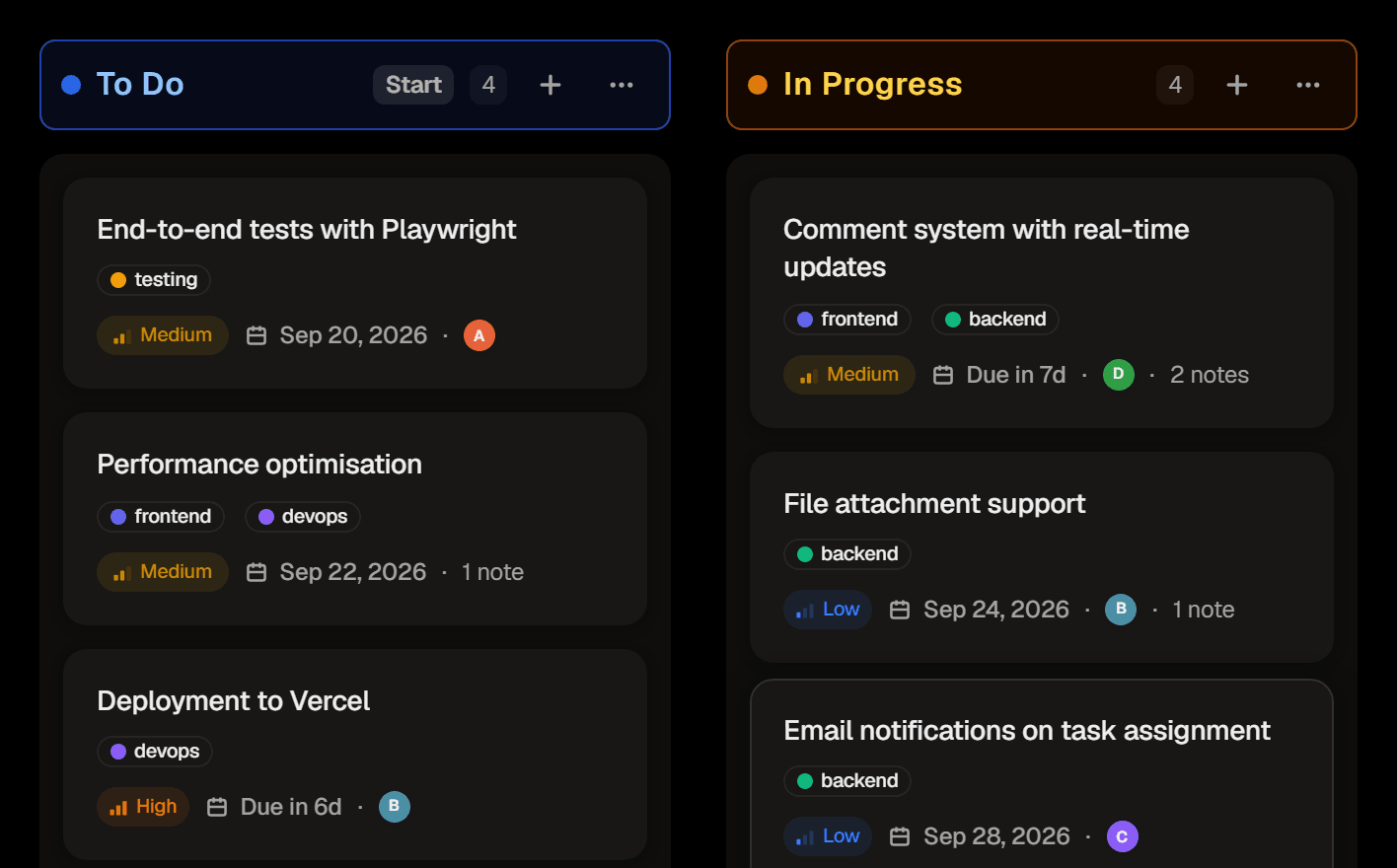
Midnight Sep 11, 2026
Coordinators
Promote a trusted co-teacher to Coordinator so they can invite and manage other teachers, without handing over the whole class. Plus choose how many days of no movement counts as Waiting for your own class.
Read the release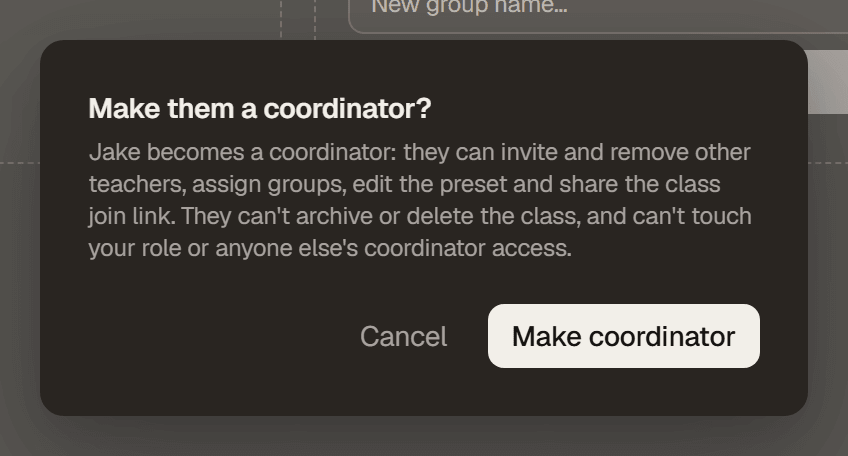
Sep 3, 2026
Archived Tasks
File a task away instead of deleting it. Archive keeps its comments, activity and description history intact, forever, and you can always find it again.
Read the release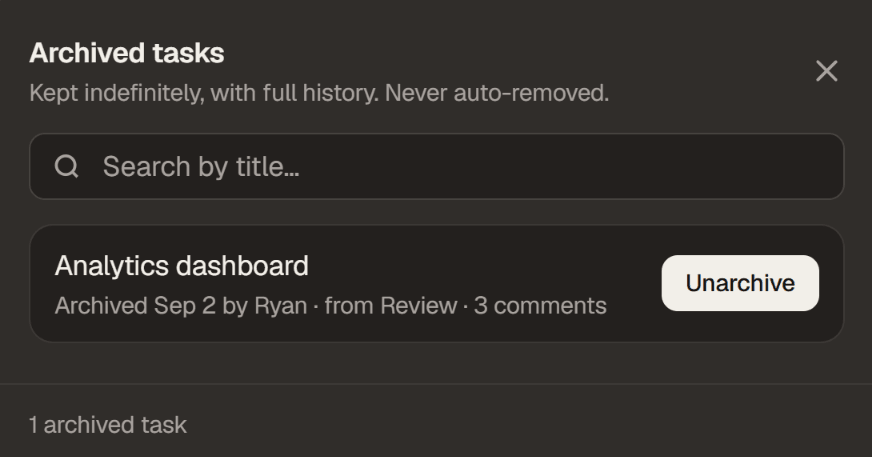
Aug 28, 2026
Default Board
Choose which board or class Kanbedu opens to when you log in, delete a comment without leaving a hole in the thread, get told when a bug report you filed is resolved, and a handful of small roster and board fixes.
Read the release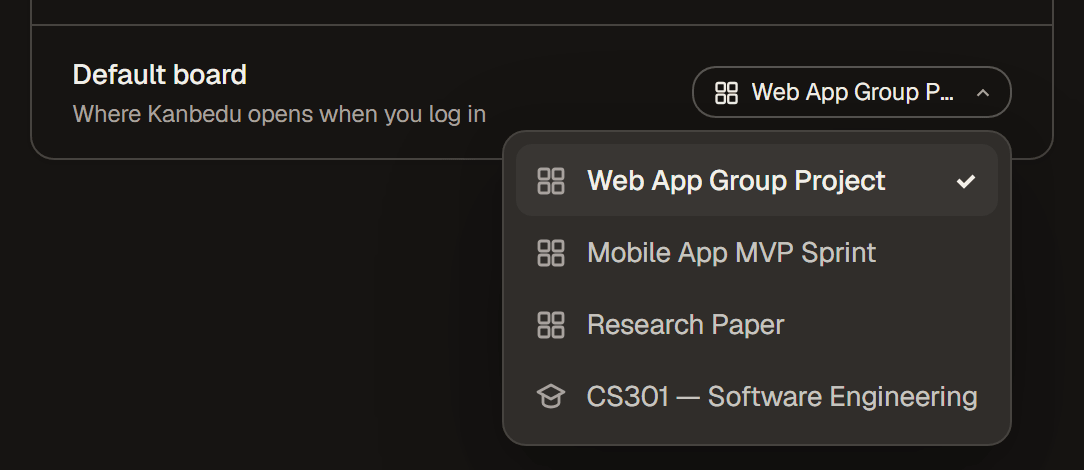
Aug 22, 2026
Comment Editing
A comment can be edited instead of only deleted, high contrast and reduced motion are real settings now, and board columns explain why a drag snapped back instead of just snapping back.
Read the releaseAug 19, 2026
Daily Digest
Notifications you missed now arrive as one email a day, CSV-imported students get a personal join link instead of a shared one, and overdue means the same thing on the board, in Monitor, in analytics and in the grading export.
Read the releaseAug 18, 2026
Class Invites
Joining a class through a roster now asks first: an invited student gets an accept-or-decline card instead of joining invisibly or not at all. Plus a public status page, and a couple of co-teacher permissions narrowed to what they were meant to be.
Read the releaseAug 13, 2026
Co-Teacher Assignments
Co-teachers now start with no groups until you assign them, and that boundary holds everywhere. Plus the sidebar stays with you in class, roster deletions get undo, and mentions show handles so same-named students aren't confused.
Read the release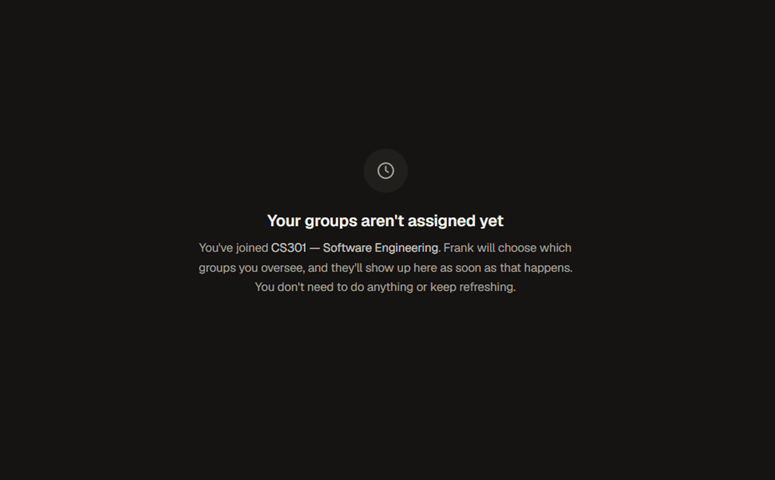
Aug 9, 2026
Mentions
Comments can @-mention people and #-link tasks, and it actually notifies people now. Every panel and board has its own URL, list view can sort by when a task was created, and Monitor catches groups that never started.
Read the release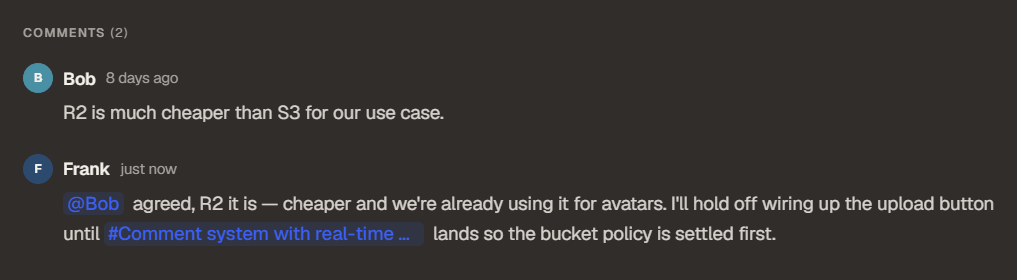
Aug 2, 2026
Co-teaching
Invite other lecturers into a class and limit each one to specific groups, export a term of student activity as a CSV or a per-group PDF report, and use the educator panels and settings properly on a phone. Joining a class now requires a verified email address.
Read the release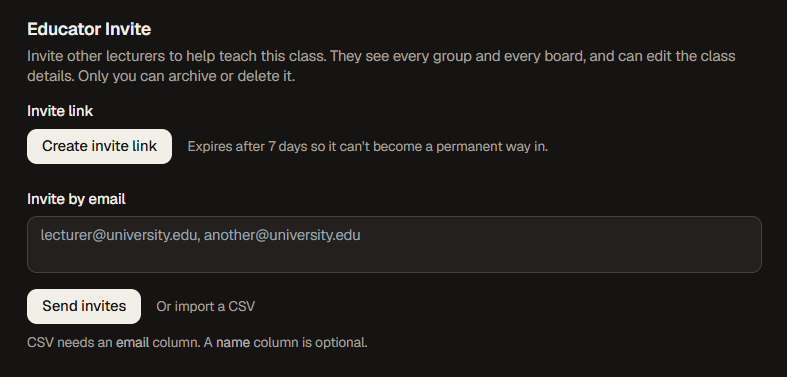
Jul 27, 2026
Backlog Columns
Backlog columns can be marked Start so they never flag as waiting, chart analytics reached every class board, and priority, column and deadline tags, tooltips, and board menus were unified into one shared design across the whole app.
Read the release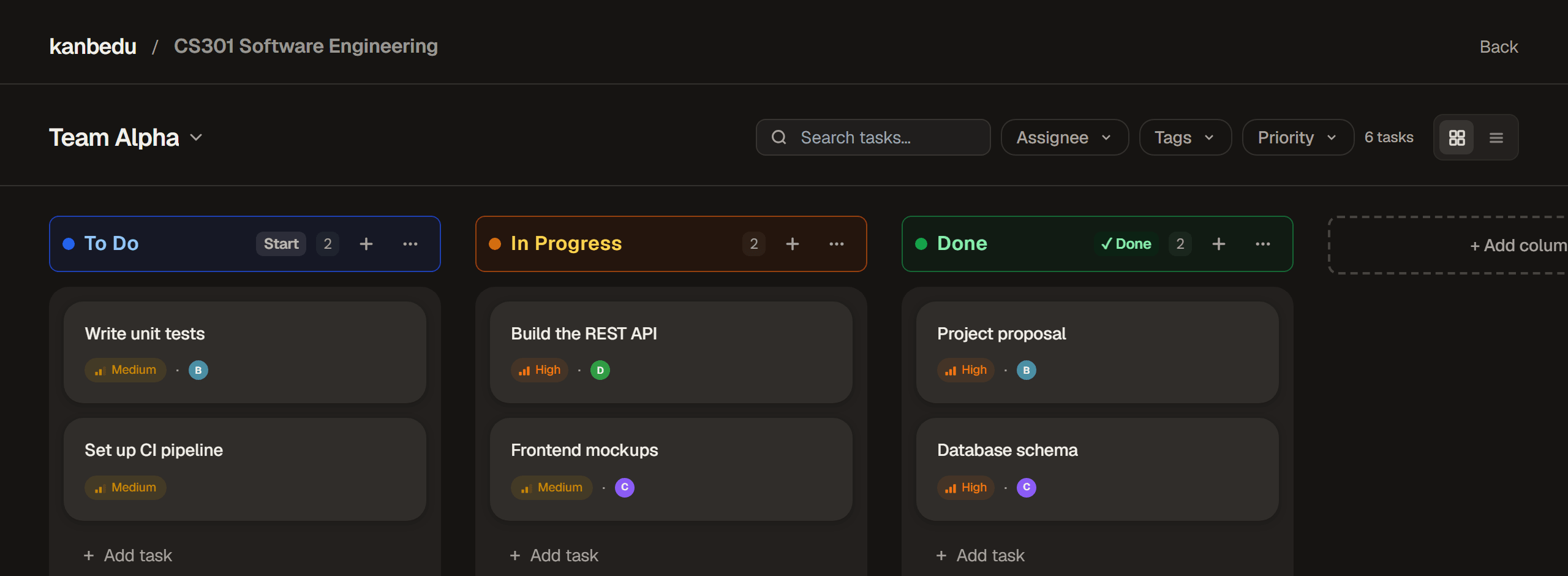
Jul 16, 2026
The Semester Break Update
A month of new features. Share boards with read-only links, see your project through rebuilt chart-based analytics, attach files to tasks, restore deleted tasks for 30 days, get push notifications, and track student contributions in the new Participation tab.
Read the release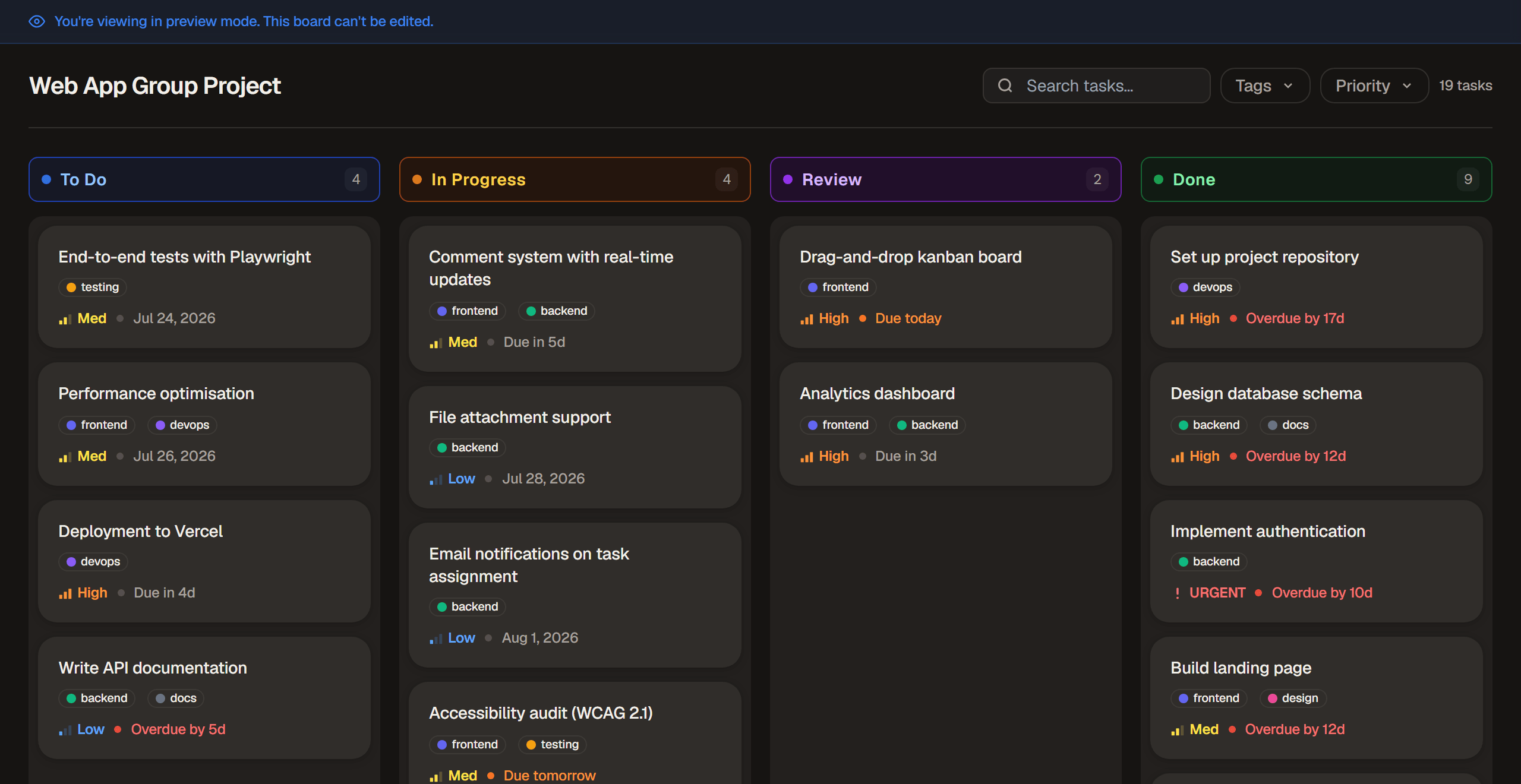
Jun 17, 2026
Reliability Update
A full sweep of improvements across the app. Deadlines, drag-and-drop, notifications, group search, and the class clone flow are all tightened up. Roster CSV imports now send invite emails to newly added students, capped at 100 per file.
Read the release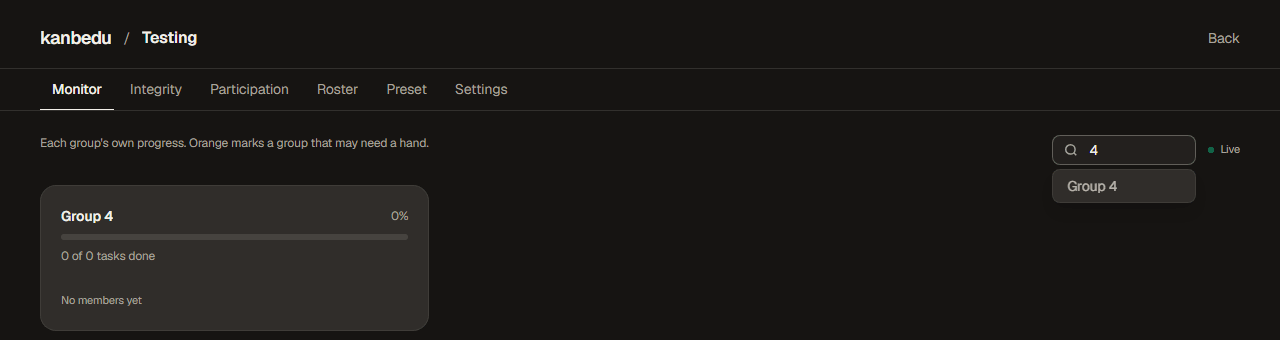
Jun 8, 2026
Mobile Support
Navigation and settings panels are now fully usable on mobile. The sidebar hamburger, settings layout, and danger zone all behave correctly on small screens.
Jun 1, 2026
Educator Tools
Classes, groups, monitor, and integrity panel are now live. Educators can create classes, assign students to groups, and track progress in real time.